
Exemptions
Exemptions in Glade
In Schedule AB, you can add exemptions directly to an asset manually. Select any available exemption from a dropdown, and view a full list of statutes with descriptions.
To claim an exemption:
Navigate to the asset in AB
Click it in the list to open the editor
At the top of the modal, click 'Exemptions' (between 'Details' and 'Liens')
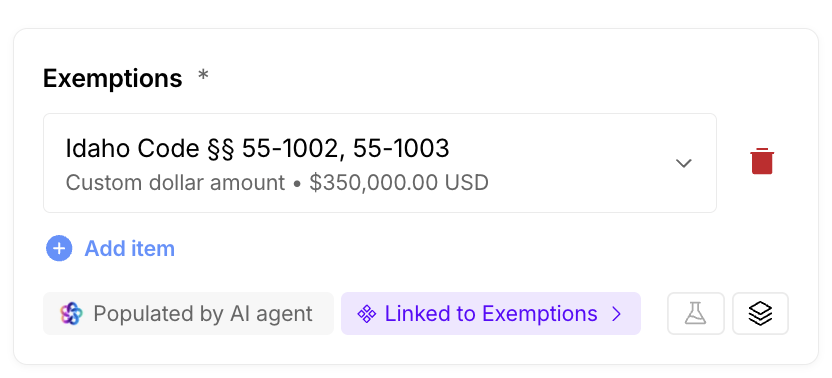
In the Exemptions box, click 'Add Item'
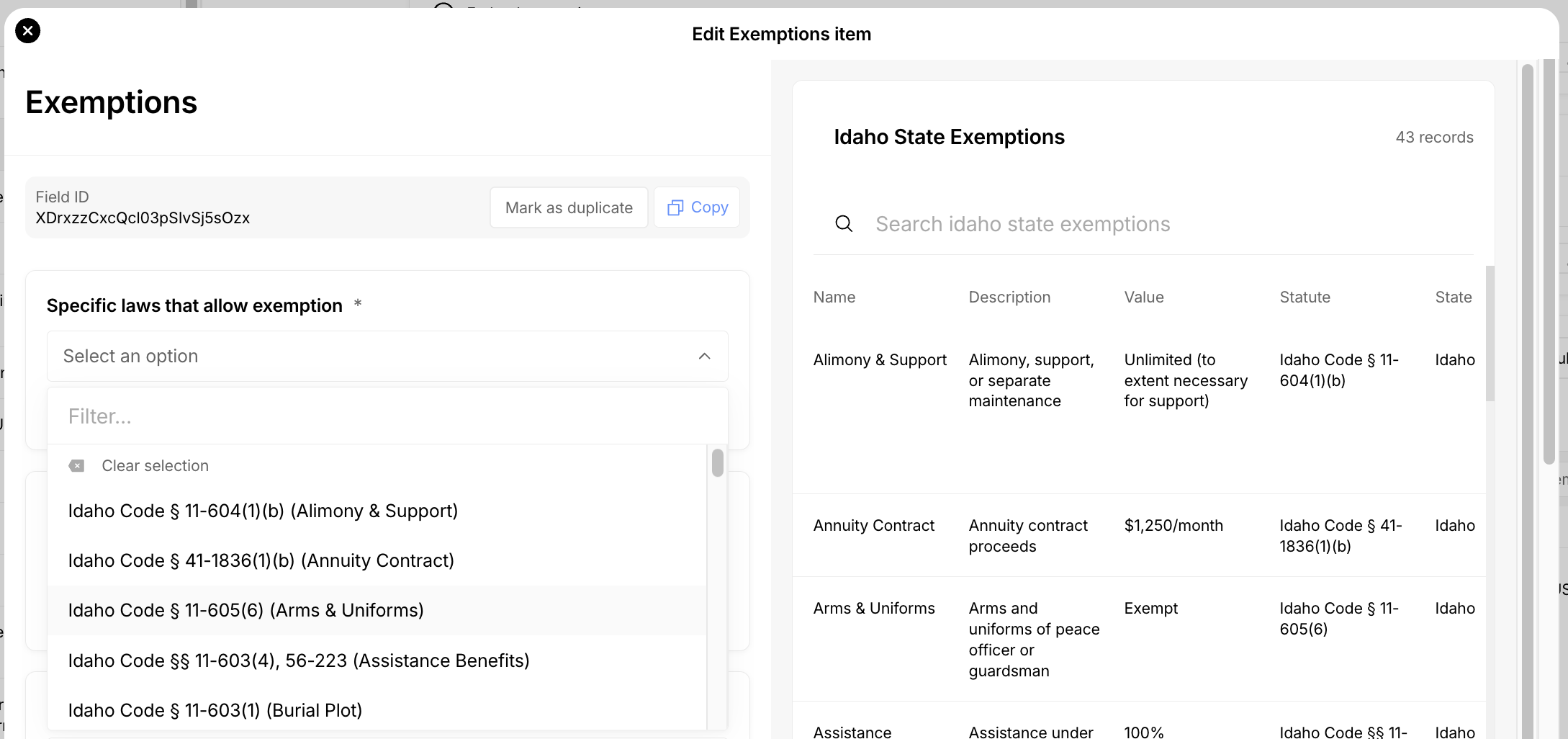
You will see a full list of statutes you can add, and a dropdown field to make a selection. Select the proper statute, and adjust the amount you'd like to claim if necessary (Glade will autofill the value with the amount owned by the debtor).
The Exemptions Agent
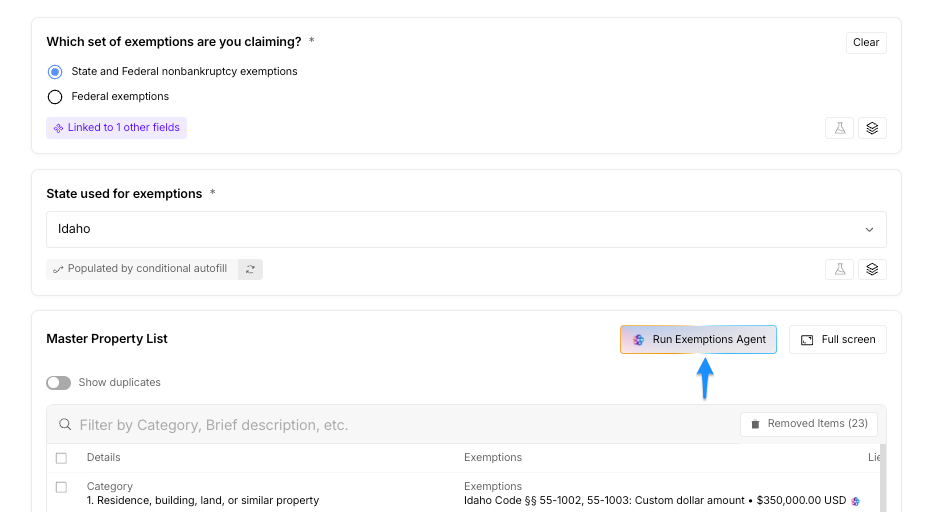
The Exemptions Agent is an AI assistant built into the Schedules Questionnaire that helps your firm automatically identify and apply the best exemption for each asset on Schedule C.
Instead of manually matching every asset to statutes and running the math yourself, the agent analyzes the debtor’s assets, ownership, and case type, then proposes an optimized exemption strategy for you to review.
What the Exemptions Agent Does
When you run the Exemptions Agent, it will:
Review the full asset list from Schedules A/B
Look at the available state or federal exemptions for your jurisdiction, based on your selection
Consider who owns each asset (Debtor 1, Debtor 2, both, or jointly with a third party)
Respect single vs. joint caps, aggregate limits, and already-claimed exemptions
Propose which statute to use for each asset and how much to claim under that statute
The result is a structured, line-by-line proposal of exemptions that’s ready for attorney review and final edits.
How It Thinks About Exemptions
At a high level, the Exemptions Agent:
Matches assets to statutes
It determines which exemptions can apply to each asset based on category and description (e.g., homestead, motor vehicle, tools of the trade, household goods, etc.).Optimizes within statutory limits
It tracks remaining caps per statute and chooses the combination that maximizes protected value without exceeding any limits or double-counting.Handles real estate and vehicles correctly
For real estate and vehicles, it is designed to claim the full statutory cap where appropriate (even if current equity is lower), so the filing is resilient to later valuation changes.Considers ownership structure
It uses the ownership information (Debtor 1, Debtor 2, both, or a debtor plus third party) to decide whether to apply single or joint exemption amounts.Provides human-readable reasoning
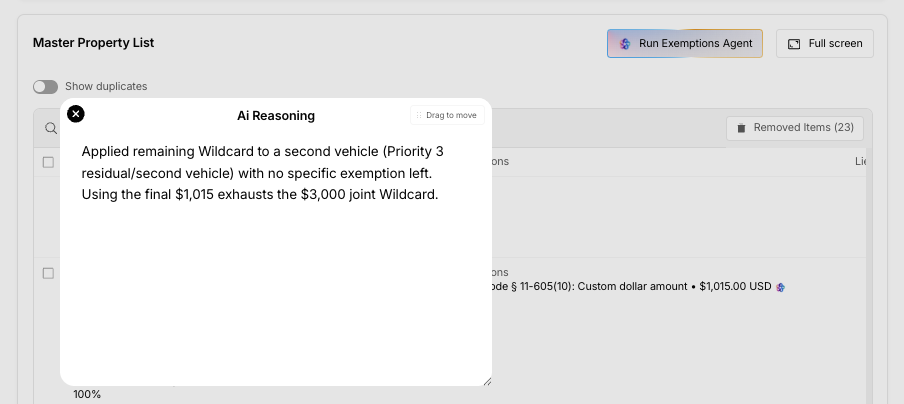
For each asset, the agent explains why it chose a particular statute and amount, referencing the statute name and how much of that statute remains available.
Wildcard Optimization
After the core exemptions are applied, the Exemptions Agent also helps allocate any wildcard exemption (when available):
It looks for unprotected value after category-specific exemptions are applied.
It prioritizes high-risk assets (like liquid financial accounts or valuable property with no other coverage).
It then uses the wildcard to cover as much remaining equity as possible, while staying within the wildcard cap.
If the wildcard can’t be applied to an asset, the agent explains why and clarifies where the wildcard value was used instead.
What You See in Glade
Once the Exemptions Agent finishes:
Each asset will show the proposed statute(s) and claimed amount
You’ll see clear reasoning for each choice, in plain English
You can edit, override, or remove any exemption before filing
The results can be used to quickly populate Schedule C and related forms
Benefits for Your Firm
Save time: Dramatically reduce manual exemption matching and math.
Improve consistency: Apply statutes the same way across cases and staff.
Reduce risk: Built-in awareness of caps, ownership, and aggregate limits.
Stay in control: Attorneys always review and can modify the agent’s proposals before filing.
The Exemptions Agent is designed to work like a knowledgeable paralegal who has read all the exemption rules—and never gets tired of doing the calculations.