Adding Your Team Members (Glade 2.0)
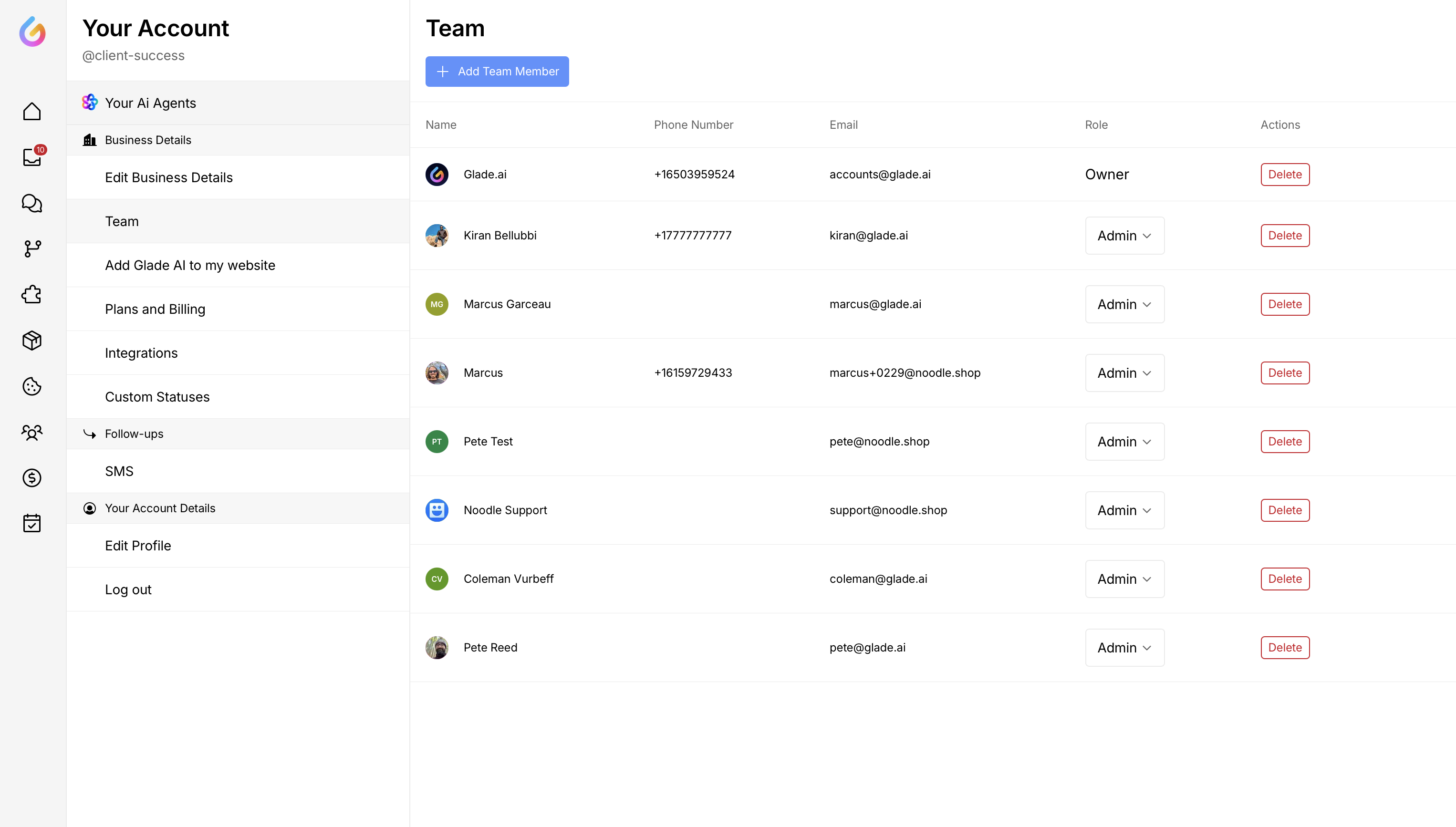
You can add as many team members as you need to your Glade dashboard, and assign their role.
Admin - complete access to the dashboard including financials
Finance - complete access to the dashboard including financials
Caseworker - limited access to the dashboard, excluding financials
To add team members:
Click on your avatar on the bottom left of your Dashboard
Click 'Your Account'
Click Team on the left-side menu
Click 'Add team member'
You can manage your team members here, add new team members or delete team members who are not with your firm anymore.